Reply to customers, resolve tickets and see what they ordered, from your phone. Built for small teams who answer on the move.
On iPhone? Open app.resolvogroup.com in Safari, tap Share, then Add to Home Screen. You get the same screens as an app icon.
We built the phone app around the five things support people actually do: pick up, answer, check the order, call back, and close.
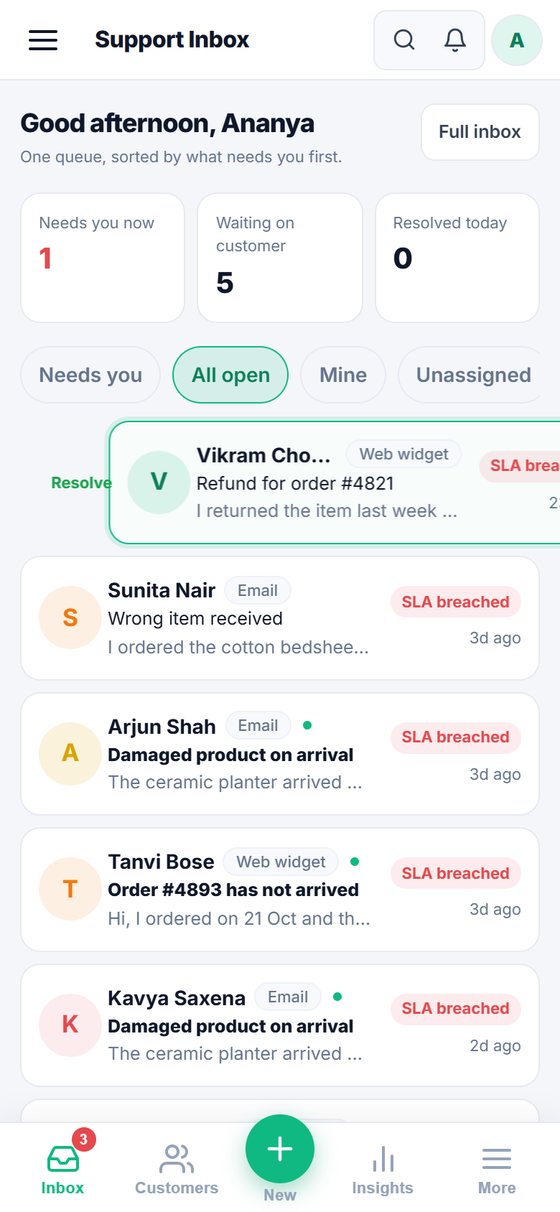
Swipe a ticket right to take it. Swipe all the way to resolve it, with an Undo if your thumb slips. Swipe left to snooze it until tomorrow morning.
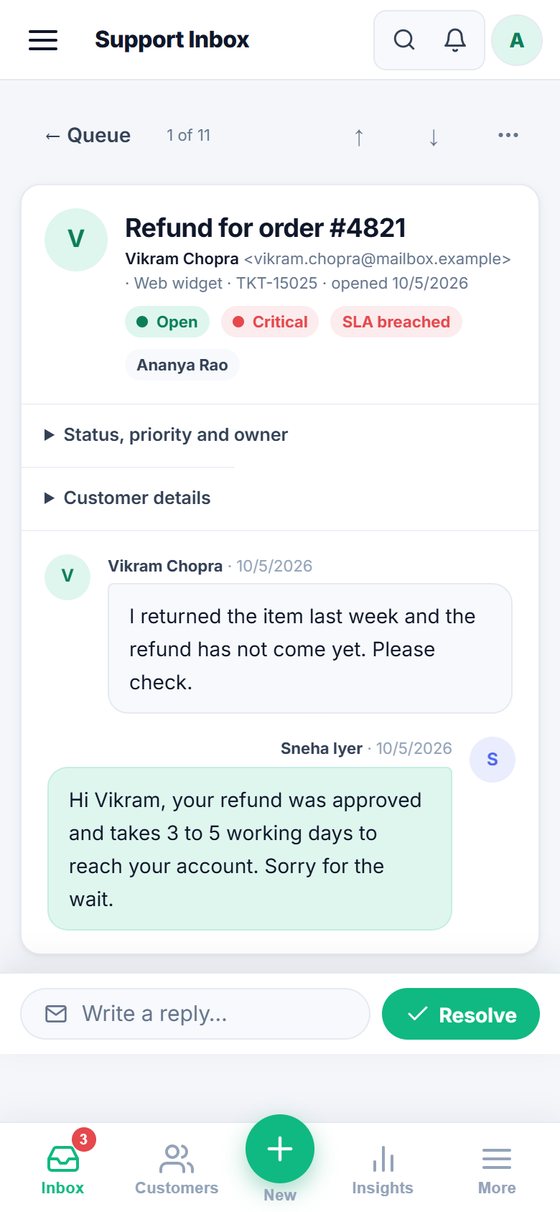
The reply box stays out of the way until you need it, so you can read the whole conversation. Tap it to write, or tap Resolve right beside it.
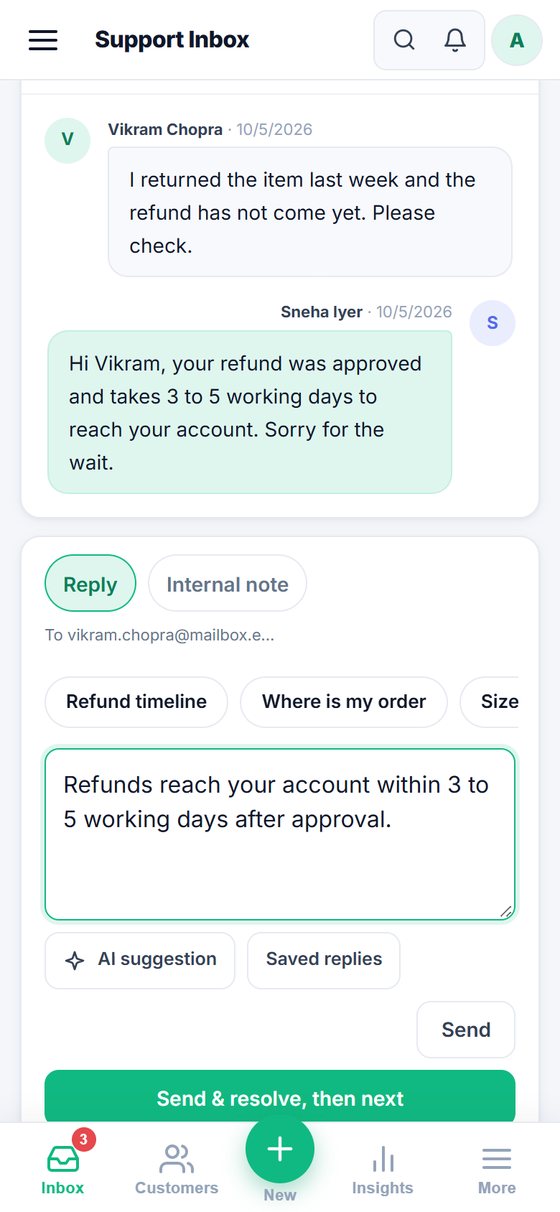
Your best answers sit as chips. One tap puts "Your refund takes 3 to 5 working days" into the box. Edit it, send it.
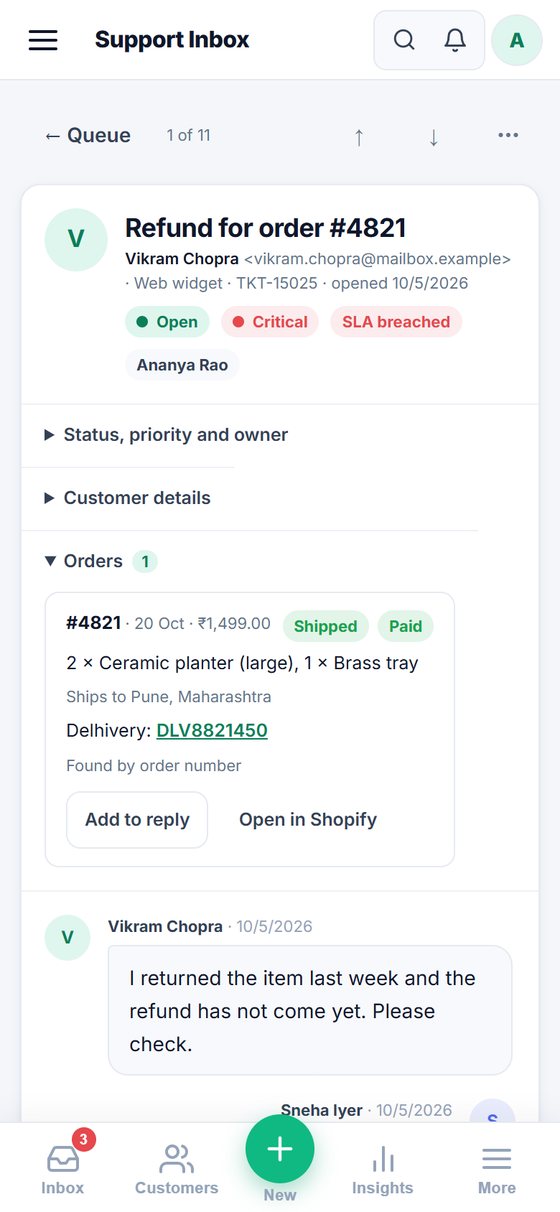
Connect your Shopify store and each ticket shows the order: what's in it, whether it shipped, and the tracking link. One tap adds it to your reply.
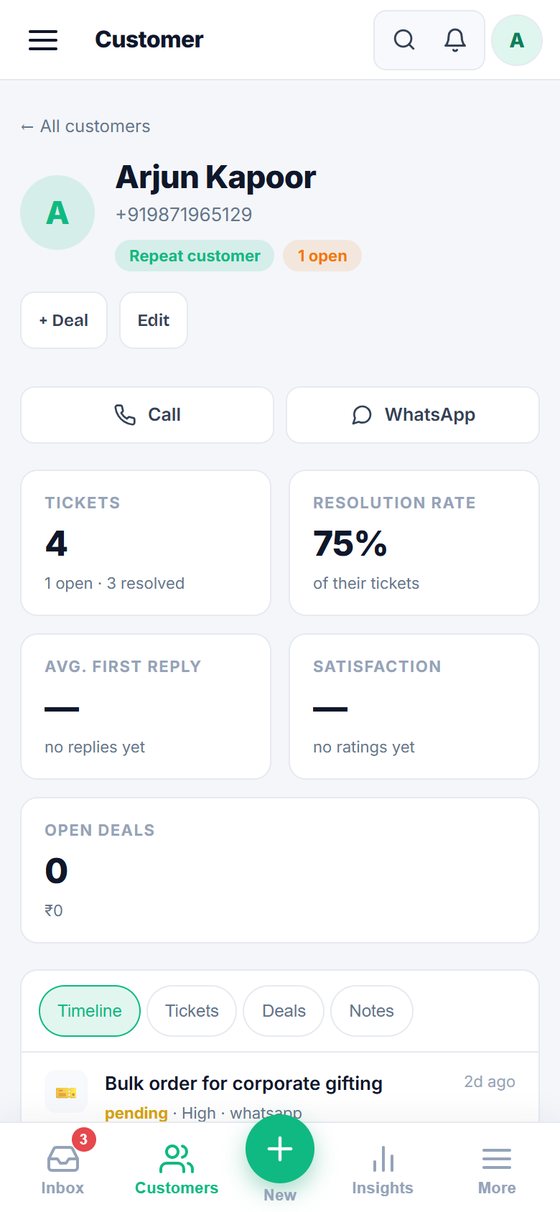
When a message needs a voice, call the customer or open a WhatsApp chat with them straight from the ticket or their profile.
Open the app and see only what needs you now, sorted by who has waited longest. Pull down to refresh. Newsletters and automated mail stay out of the way.
Screens from a sample workspace with made-up customers.

Swipe all the way to resolve

A one-line reply bar

Saved replies as chips

Their order, next to the ticket

Call or WhatsApp in one tap
The app is in beta and isn't on Google Play yet, so you install it straight from this page.
Tap Download for Android on your phone. It's a 3 MB file called Resolvo-Android-1.1.0.apk.
Open the file when it finishes. If Android asks, allow installs from your browser or Files app just this once, then tap Install.
Open Resolvo and sign in with the email and password you already use. Your tickets are there.
No dates promised. We build these in the order our first teams ask for them.
No. It comes with your Resolvo workspace on every plan, including the free one.
Not a download yet. On iPhone, open app.resolvogroup.com in Safari, tap Share, then Add to Home Screen. It opens full screen with its own icon.
Not yet. The app needs a connection to load your tickets. Offline drafts are on our list.
The file is signed by Resolvo Group and asks only for internet access. You can compare its fingerprint with the one on this page. We'll also publish on Google Play so you can get it there.
Yes for everything you see on screen. The app opens your live workspace, so new features appear as soon as we release them. Only deeper changes, like notifications, need you to install a new file.
Write to contact@resolvogroup.com with a screenshot. We read every message during the beta.
Free for 14 days on every plan. No card needed.